




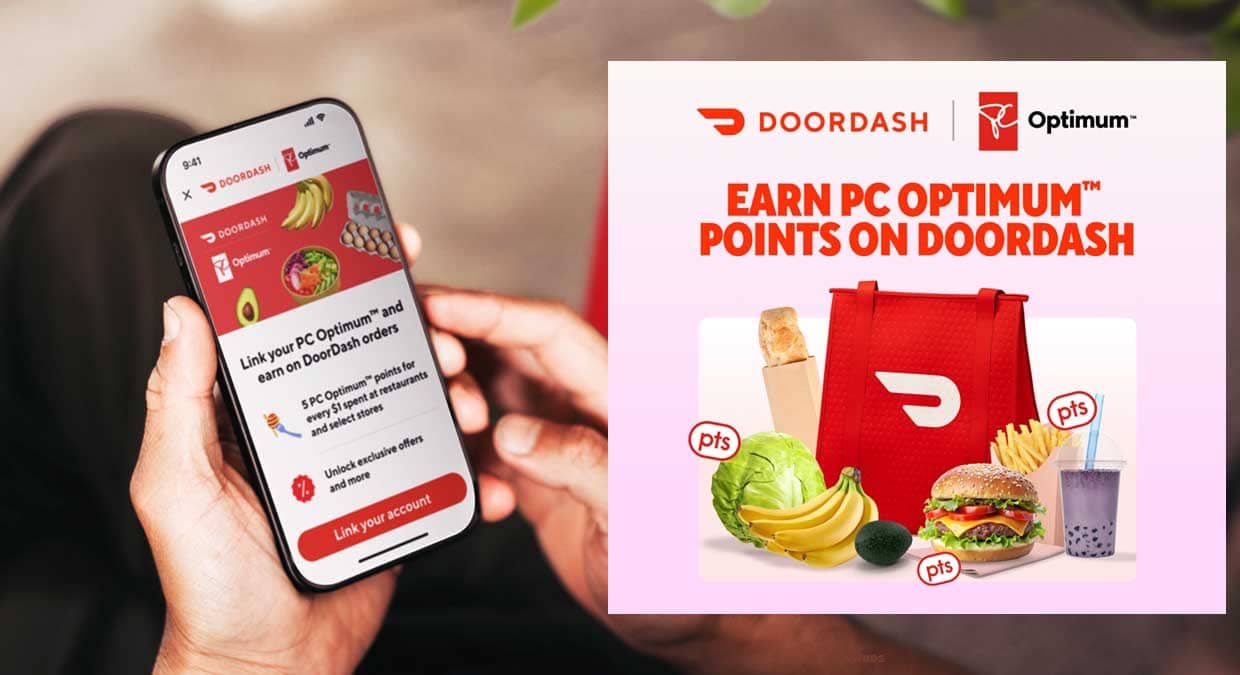
University life often means juggling classes, work, and tight budgets, which makes food delivery a common convenience for many students. What most do not realize is that those DoorDash orders can do more than satisfy late-night cravings.
Through a rewards partnership, Canadian users can earn PC Optimum points on DoorDash orders. This turns everyday spending on meals and groceries into future savings that can be redeemed for essentials throughout the school year.
How To Earn Free PC Optimum Points With DoorDash in Canada
How the DoorDash and PC Optimum Work
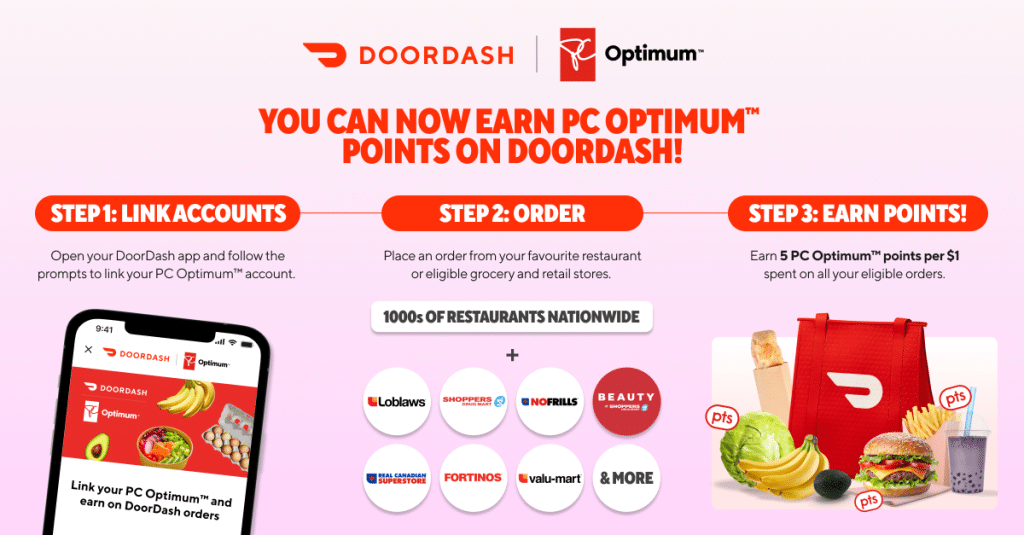
The partnership between DoorDash and PC Optimum allows Canadians to earn PC Optimum points directly through eligible DoorDash orders. Users link their PC Optimum account in the DoorDash app or on the website. Once connected, points are automatically earned for qualifying restaurant and grocery deliveries. There is no need to scan a card, enter numbers, or activate offers each time you order.
How Many PC Optimum Points Can You Earn
After linking accounts, users earn 5 PC Optimum points per dollar spent on eligible DoorDash orders, before taxes, fees, and tips. Points accumulate quickly for students who rely on food delivery during busy academic weeks. PC Optimum points can later be redeemed for discounts on groceries, pharmacy items, and household essentials at stores like Shoppers Drug Mart and Real Canadian Superstore, making everyday spending more rewarding.
Bonus PC Optimum Points for New DoorDash Users
New DoorDash users in Canada can earn a large PC Optimum points bonus after linking their account. By completing three qualifying orders of at least $20 each, users can earn up to 25,000 points. The bonus is applied to each order, encouraging repeat use rather than a single purchase. For students, this bonus can translate into free groceries, toiletries, or essentials later in the semester.
Bonus PC Optimum Points for Existing DoorDash Users
Existing DoorDash users are not excluded from rewards. After linking a PC Optimum account, current users can earn 5,000 points by placing a qualifying order of $20 or more. This makes the partnership valuable even if you already use DoorDash regularly. For students who order food during exams or late study nights, the bonus offers quick value without changing habits or spending patterns.
How to Link Your PC Optimum Account to DoorDash
Linking your PC Optimum account to DoorDash takes only a few minutes and can be done in the mobile app or on the desktop site. After signing in, navigate to the rewards or account section and select PC Optimum. Enter your membership details and confirm the connection. Once completed, future eligible orders automatically earn points. Linking must be completed before checkout to ensure rewards are tracked correctly at all supported restaurants and grocery partners nationwide.
Tips to Maximize PC Optimum Points With DoorDash
Students can boost PC Optimum earnings by timing DoorDash orders carefully and watching minimum spend thresholds. Meeting the twenty-dollar requirements unlocks bonuses faster. Ordering groceries together instead of separate trips increases eligible totals. Avoid alcohol purchases since they do not earn points. Checking the app for limited-time promotions helps maximize value. Consistent ordering during busy weeks builds rewards that reduce future grocery costs for students balancing classes, work, and tight monthly budgets today.
Eligible Stores and Order Types
PC Optimum points earned through DoorDash apply to eligible restaurant orders and grocery deliveries from participating Loblaw banner stores. Qualifying retailers often include Shoppers Drug Mart, Real Canadian Superstore, and No Frills locations available on the platform. Only food and grocery items count toward points. Taxes, tips, service fees, and alcohol purchases are excluded. Always confirm eligibility inside the app before placing your order to avoid missing rewards during busy student weeks and exam seasons.
When Points Are Added to Your Account
PC Optimum points from DoorDash orders do not appear instantly after checkout. Points are usually added to your PC Optimum account within several days after an order is marked delivered. Delays can occur during promotions or high-volume periods. Keeping receipts and order confirmations helps resolve issues. If points do not post, contacting DoorDash support or PC Optimum customer service is recommended, especially during semester rushes and major sale events that attract heavy student demand.
Combining PC Optimum Points With Student Deals
Students can stack PC Optimum points with DoorDash promotions and campus-friendly discounts. Using free delivery trials, DashPass offers, or seasonal coupon codes reduces out-of-pocket costs while still earning points. When combined with PC Optimum redemption events, savings increase further. This approach helps students stretch limited budgets while managing busy schedules, relying on convenient food and grocery delivery services during long study nights and exams throughout the academic year.
Common Mistakes That Prevent Earning Points
Many users miss out on PC Optimum points because their accounts were not linked before placing an order. Logging out, switching devices, or using guest checkout can also prevent tracking. Orders below minimum spend thresholds may not qualify for bonuses. Verifying account connection before checkout and reviewing order details reduces errors. Small checks ensure your spending consistently earns rewards, rather than leaving students relying on frequent delivery orders during demanding academic semesters and busy schedules nationwide.
Why This Program Matters for University Students
University students face rising costs for tuition, rent, food, and other daily expenses. Earning PC Optimum points through DoorDash helps stretch limited budgets by turning routine food orders into future savings. Points can be redeemed during promotional events for even greater value. For students who already rely on delivery for convenience, this program offers a simple way to save money without extra effort.





 University Magazine is part of the
